
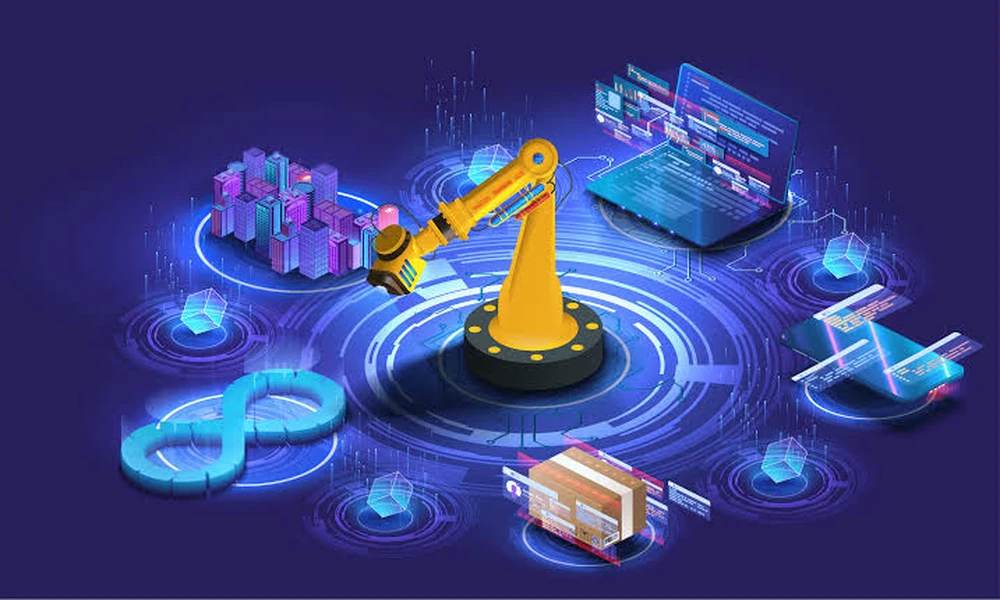
Walk onto almost any shop floor running CNC machines today and you’ll hear the same complaint from production managers: automation would help, but getting it running takes too long, costs too much upfront, and ties down engineers who should be doing something else. That frustration is exactly why digital deployment tools have become one of the most talked-about developments in manufacturing automation over the past few years.
These tools don’t replace robots or machine tools. What they do is remove the guesswork and manual programming that used to sit between “we bought a robot” and “the robot is actually tending our CNC machine.” And for plant managers watching every dollar of capital expenditure, that difference matters enormously.
The Old Bottleneck: Programming, Not Hardware
For a long time, the hardest part of a CNC automation project wasn’t sourcing a robotic arm or picking the right gripper. It was the integration work – writing custom code, calibrating the robot’s path around the machine, defining pick-and-place sequences for each part variant, and testing everything before it could run unattended.
This is where cycle time and changeover time become critical concepts for anyone evaluating automation. Cycle time refers to how long it takes the robot to complete one full loading-and-unloading sequence per part. Changeover time is how long it takes to reprogram or reconfigure the cell when a new part comes down the line. Traditionally, both numbers were inflated by manual programming, because every new part meant an automation engineer had to sit down and rebuild logic from scratch.
Digital deployment platforms attack this problem directly. Instead of programming a robot line by line, engineers use software-driven configuration, where the robot’s movements, safety zones, and machine interactions are set up through a visual interface rather than raw code. The practical effect is that a changeover which used to take days can often be handled in hours, sometimes less.
Why Simulation and Digital Twins Matter Here
A core piece of this shift is simulation-based deployment – the ability to build and test an entire automation cell virtually before a single part is loaded onto a physical machine. Engineers can model the CNC machine, the robot, the gripper, and the part geometry inside a digital environment, then run the sequence to check for collisions, cycle time estimates, and reachability issues.
This matters because physical trial-and-error is expensive. Every hour a CNC machine sits idle while an engineer manually tweaks a robot path is an hour of lost production. By catching problems in simulation, teams shift that cost burden away from the shop floor and onto a laptop screen, where mistakes are free and iteration is instant.
For automation engineers specifically, this also changes the skill requirement for deployment. Instead of needing deep robotics programming expertise, teams can lean on process engineers who understand the part and the machine, supported by a platform that translates that knowledge into a working robot program.
Standardization Across Multiple Machines
Most CNC shops don’t run just one machine – they run fleets of them, often from different manufacturers, with different chucks, different door mechanisms, and different part families. Historically, this meant every cell was a bespoke project, with little reusable logic between one machine and the next.
Modern deployment tools solve this through modular configuration templates. Once a workflow for loading and unloading a particular machine type is built, it can be adapted and reused across similar machines with minor adjustments rather than a full rebuild. This is particularly relevant for plant managers overseeing multiple production lines, since it means automation investment compounds – the second, third, and fourth CNC cell get progressively cheaper and faster to deploy than the first.
One example of this approach in practice is dploy CNC, a platform built specifically to simplify robotic CNC machine tending through guided, software-based setup rather than manual programming from scratch.
What This Means for Return on Investment
Every automation decision eventually comes down to payback period – how long it takes for the labor savings and throughput gains from automation to cover its cost. Deployment speed directly shortens that period. A cell that takes two weeks to commission instead of two months starts generating value six weeks earlier, which is not a marginal difference when budgets are reviewed quarterly.
There’s also a less obvious financial benefit: reduced dependency on scarce integration expertise. Skilled robotics integrators are in short supply and command premium rates, and outsourcing every CNC automation project to a systems integrator adds both cost and lead time. When deployment tools let in-house engineers handle configuration themselves, that dependency shrinks, and the organization builds internal automation capability it can reuse on the next project.
A Practical Shift, Not a Buzzword
None of this suggests that CNC automation has become effortless. Part geometry still needs careful handling, grippers still need to be selected correctly, and safety requirements around machine interlocks remain non-negotiable. What has genuinely changed is the time and expertise barrier standing between a manufacturer and a working automated cell.
For production managers and plant managers evaluating automation in 2026, the question is less “can we afford a robot” and more “can we afford the months it used to take to get one running.” Digital deployment tools are, in large part, the answer to that second question – and that’s precisely why they’re becoming a standard part of how CNC automation projects get planned and executed.